Ai
-
Log into Strava on the website (this doesn't work from the mobile app — you need a browser).
-
Click Dashboard in the top navigation, then My Routes.
-
Click Create New Route.
-
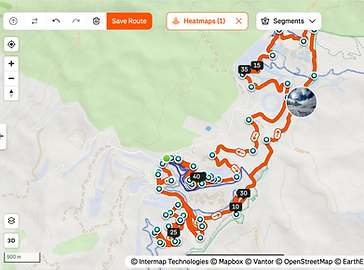
Look for the small upload/up-arrow icon in the map toolbar — that's the button to click, and it opens a file picker to choose the GPX file you want to use to build the route. Strava Support
You can also jump straight there: strava.com/routes/new
One thing worth flagging: uploading a GPX to create a route (as opposed to uploading a recorded activity) is a Strava subscriber feature — free accounts can't build routes from a file. If you're not subscribed, that's likely a second reason things aren't working, separate from the missing-timestamp issue.
If that's the case, want me to instead add synthetic timestamps to your file so it uploads as a regular activity (which is free), rather than a route?